The Problem
During my IB studies, I noticed a recurring issue among peers: the intention to study on a laptop often leads to procrastination on social media. The “infinite scroll” of modern platforms makes it difficult to break the cycle and return to productive work.
The Solution
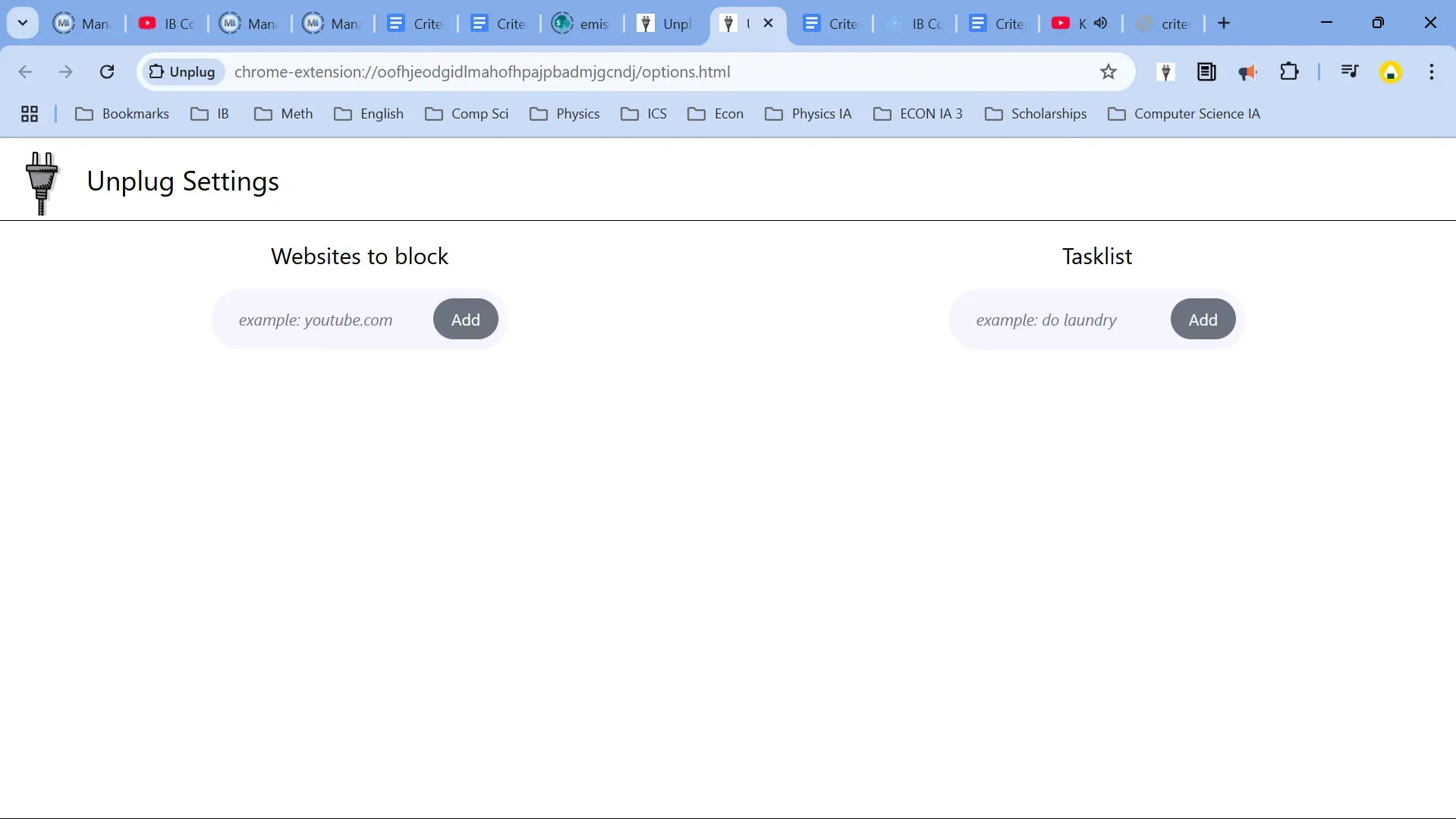
Unplug is a custom Chrome Extension that enforces productivity. Instead of simply blocking a website with a generic error page, Unplug redirects the user to a custom “Task List” dashboard. This psychological shift reminds the user what they should be doing instead of just scolding them for being distracted.
Technical Implementation
This project moved beyond standard web development by integrating into the browser environment itself.
- Manifest V3 & Service Workers: Utilized background scripts to monitor navigation events and handle blocking logic asynchronously without impacting browser performance.
- React & Component Architecture: The UI (Popup and Options page) was built using React to create a modular, interactive interface.
Websites.jsx: Manages the list of blocked domains.Tasks.jsx: Manages the dynamic To-Do list.
- Chrome Storage API: Implemented persistent data storage to save user preferences (blocked sites and active tasks) directly in the browser profile.
- Webpack & Babel: Configured a custom build pipeline to bundle React JSX and modern JavaScript into browser-ready static files that the Chrome engine can execute.
- Tailwind CSS: Used for rapid, responsive UI development, ensuring the extension looks clean across different popup sizes.